
Here is a link to a video tutorial on how to set up an Organisation in BrightCIS -
A new Organisation
Once signed into BrightCIS you will need to set up an Organisation. You can set this up under Welcome to BrightCIS as Step 1 or under My Organisations.
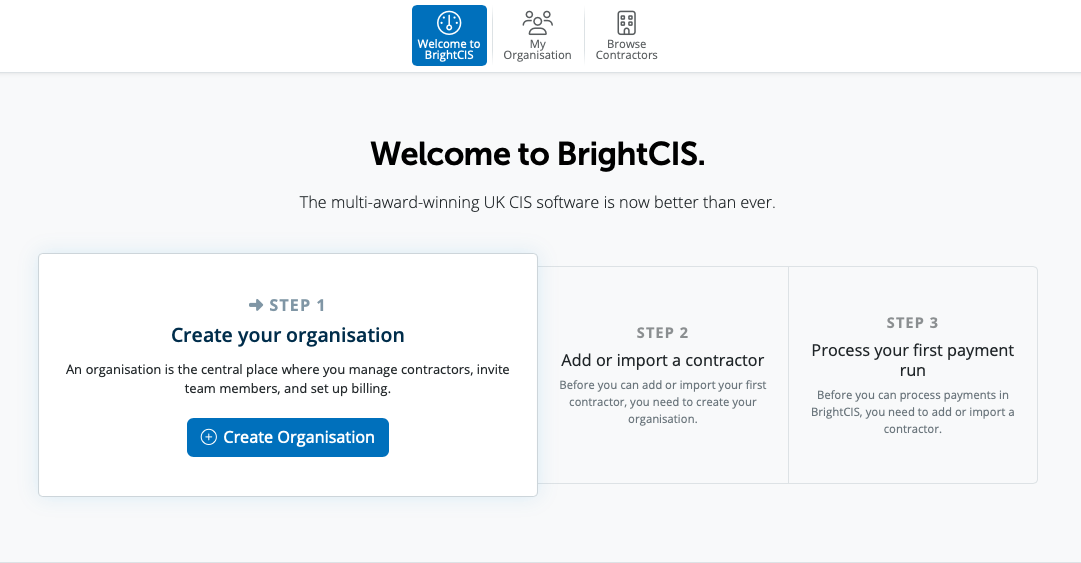
You can select the Create New Organisation or create an organisation under > My Organisation > New Organisation

An Organisation is where contractors, team members and billing are managed.
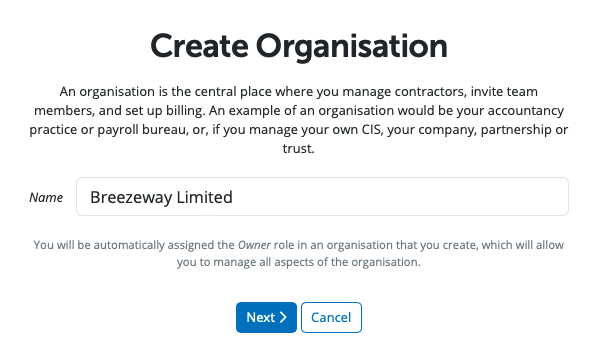
Enter in the name of your Organisation and Select 'Next'.
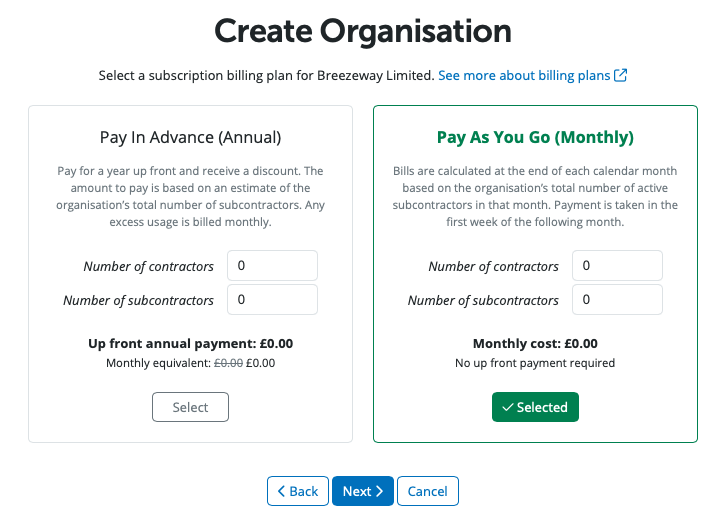
BrightCIS is billed monthly at the end of each calendar month based on across all of the organisation's contractors in that month or you have the option of paying annually up front.
Please enter in the number of contractors and number of subcontractors in the Annual or Monthly option in order to set up your billing plan.
By default, the owner is set as the Billing Manager when they create the Organisation. This can be changed later if necessary.
You need to add your payment method. Once entered please select Next.
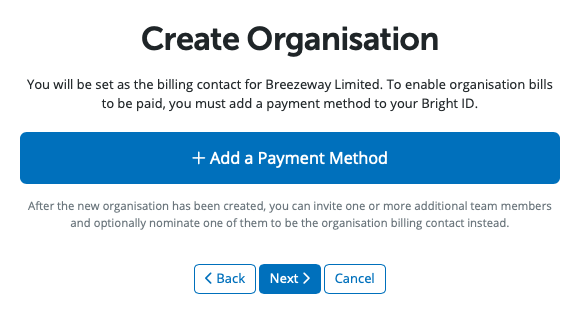
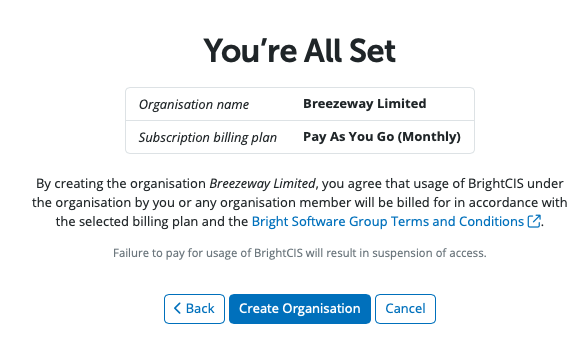
Once all the Organisation's details are entered when you select 'Create Organisation' the organisation will be created.
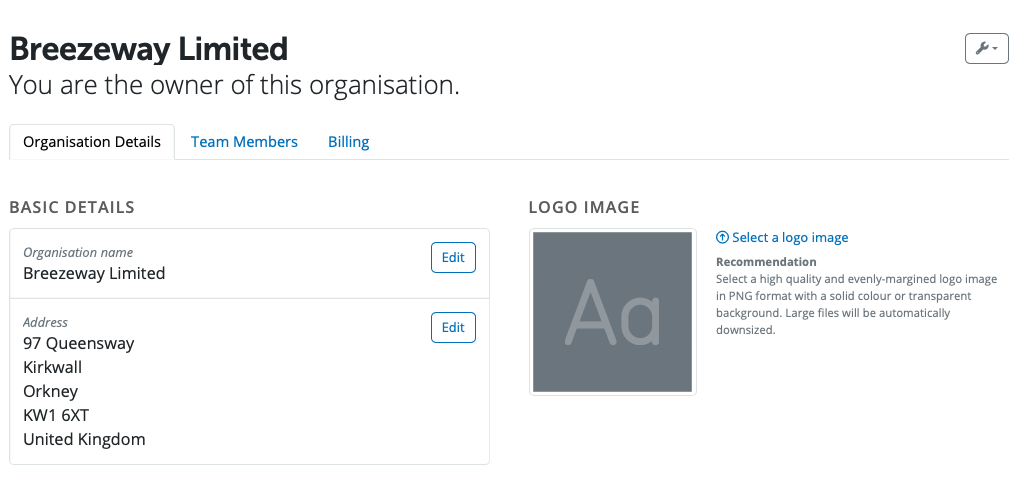
Details of the Organisation can be viewed under > My Organisation > Organisation Details
Important - If you believe you’ve accidentally deleted your Organisation or Contractor please contact our Support team as soon as possible. Acting quickly gives us the best chance of recovering it for you.
Please note that if too much time has passed, we may not be able to restore the data, and in some cases recovery is not possible. Still, we recommend reaching out to Support promptly so a member of the team can review your situation and advise you on the options available.
Comments
0 comments
Article is closed for comments.